 Tile Fitting Puzzle
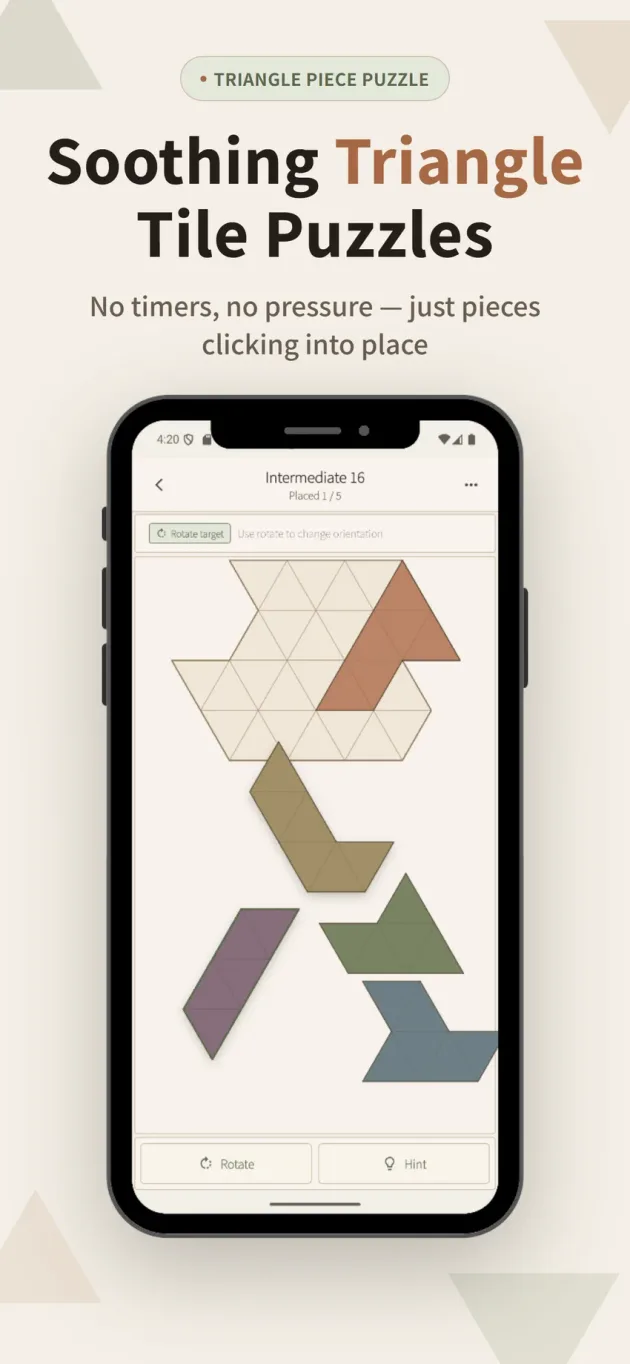
Soothing triangle tile puzzles. No timers, no pressure.
A calm, focused puzzle game. Fit triangular pieces onto the board — one shape at a time, at your own pace. No timers. No scores. Pick it up when you have a moment, put it down whenever you like.
Free · No account required · iOS · Android · Supported by Google AdMob ads
About the app
App screenshots
How to play
-
1
Select a piece
Tap any piece on screen to select it.
-
2
Find the right orientation
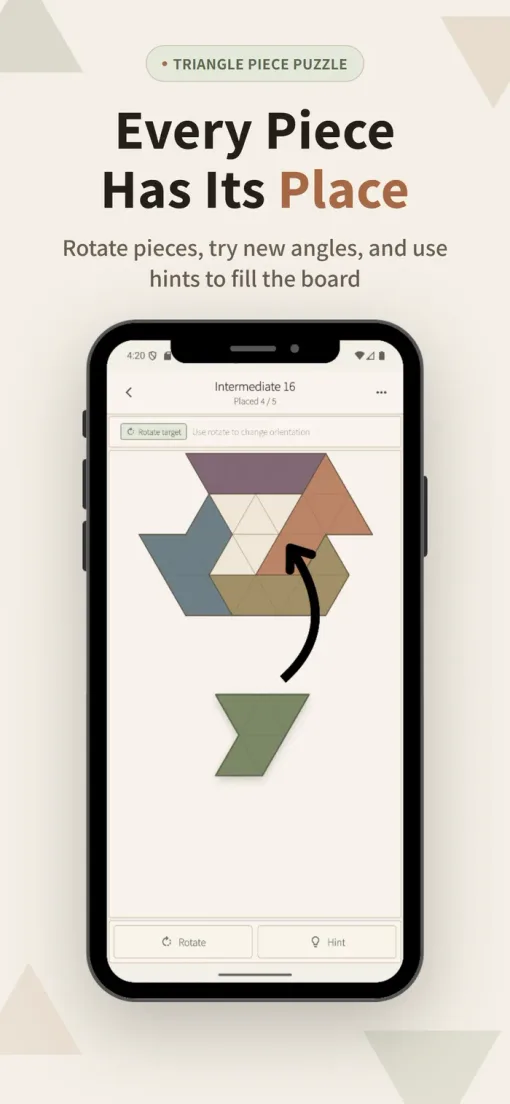
Double-tap or use the rotate button to rotate the piece 60 degrees at a time. Use the space outside the board to test rotations before committing — setting a tricky piece aside often makes the remaining gaps easier to read.
-
3
Place it on the board
Drag the piece to the target cell on the board. Placed pieces can always be picked up and repositioned freely.
-
4
Fill every cell
Fill every cell without gaps or overlaps to clear the puzzle. Use the hint if you get stuck — it shows where one specific piece belongs.
Tip: Use the space outside the board to test rotations before committing. Setting a tricky piece aside often makes the remaining gaps easier to read.
FAQ
Is the app free?
Yes. The app is free to download and play. It is supported by Google AdMob ads.
How do I rotate a piece?
Tap a piece to select it, then double-tap or use the rotate button to rotate it 60 degrees at a time.
Can I move a piece I've already placed?
Yes. Placed pieces can always be picked up and repositioned — on the board or off.
What does the hint do?
It shows where one specific piece belongs. For the full solution, open the menu.
Does viewing the solution count as a clear?
No. Viewing the full solution from the menu does not affect your clear record.
Can I turn off the sound?
Yes. Sound effects can be toggled on or off in the app.
Where is my progress saved?
Your clear progress is saved automatically on your device. No account is required.